
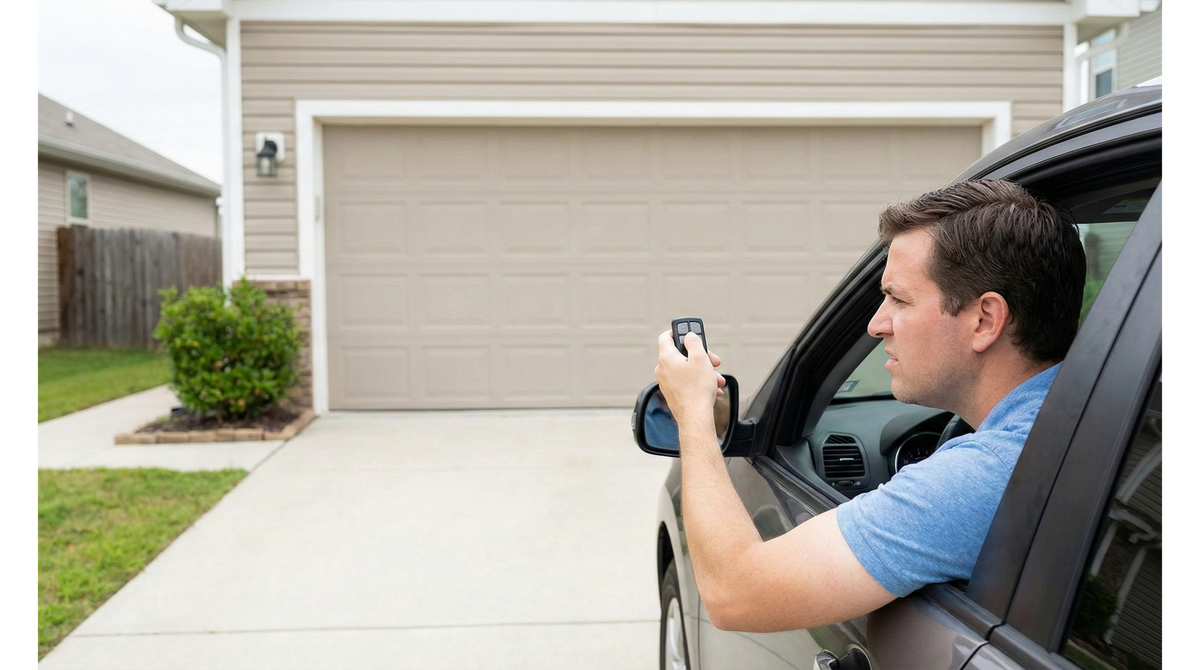
There is nothing quite as frustrating as pulling into your driveway after a long day, pressing the clicker, and nothing happens. If you find your garage door remote not working, you aren't alone. At Texas Garage Door Magic, this is one of the most common calls we receive from homeowners across the Dallas Fort Worth area. The good news is that if your wall switch still opens the door, the issue is likely something simple you can troubleshoot yourself before calling for professional help.
Why Is My Garage Door Remote Not Working?
Check the Batteries First
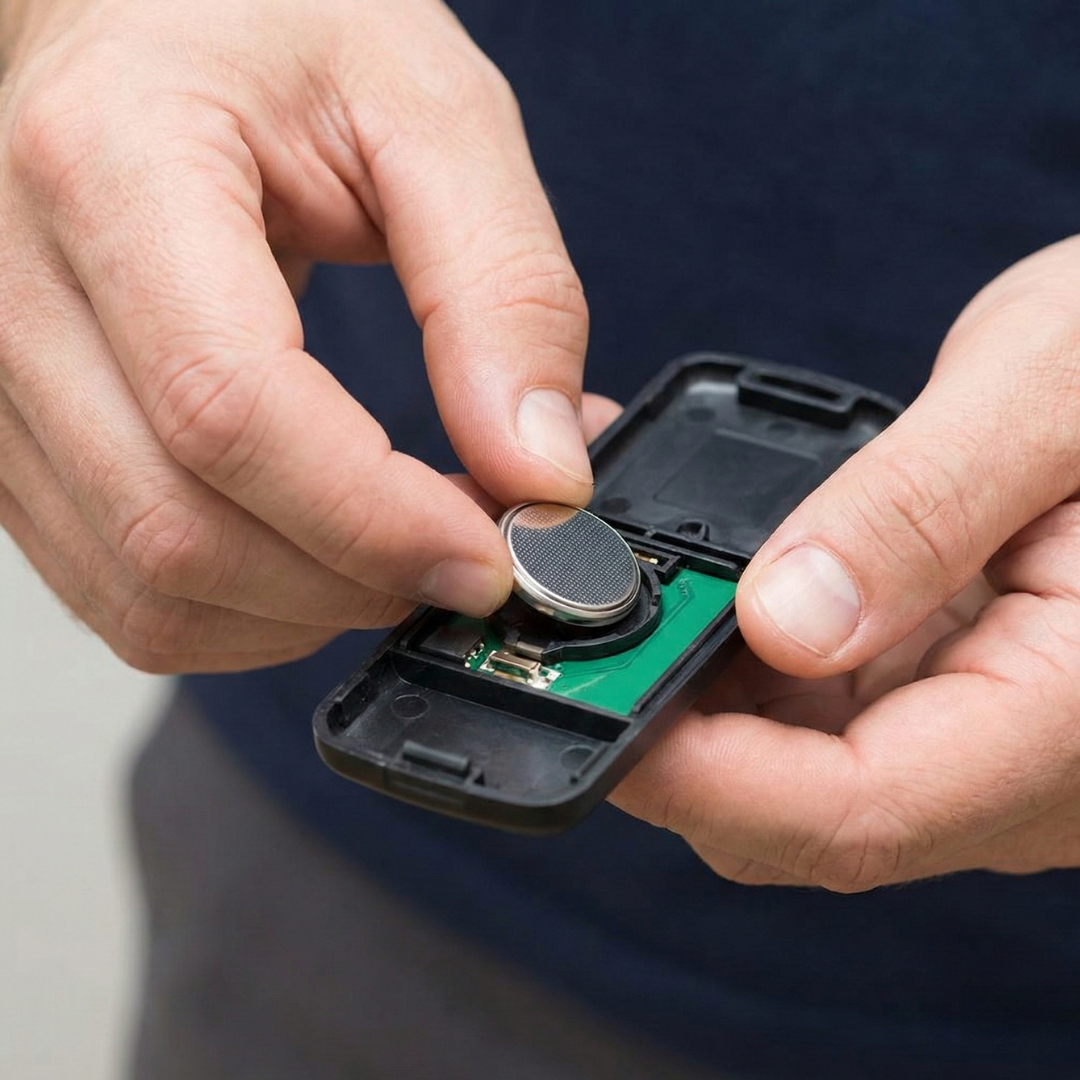
It’s the most common culprit. If your garage door remote is not working, start here. Over time, remote batteries lose their charge. We recommend opening the back panel of your remote and replacing the coin-style battery. Often, a fresh battery is all it takes to restore function and get your door moving again.
Look for Signal Interference
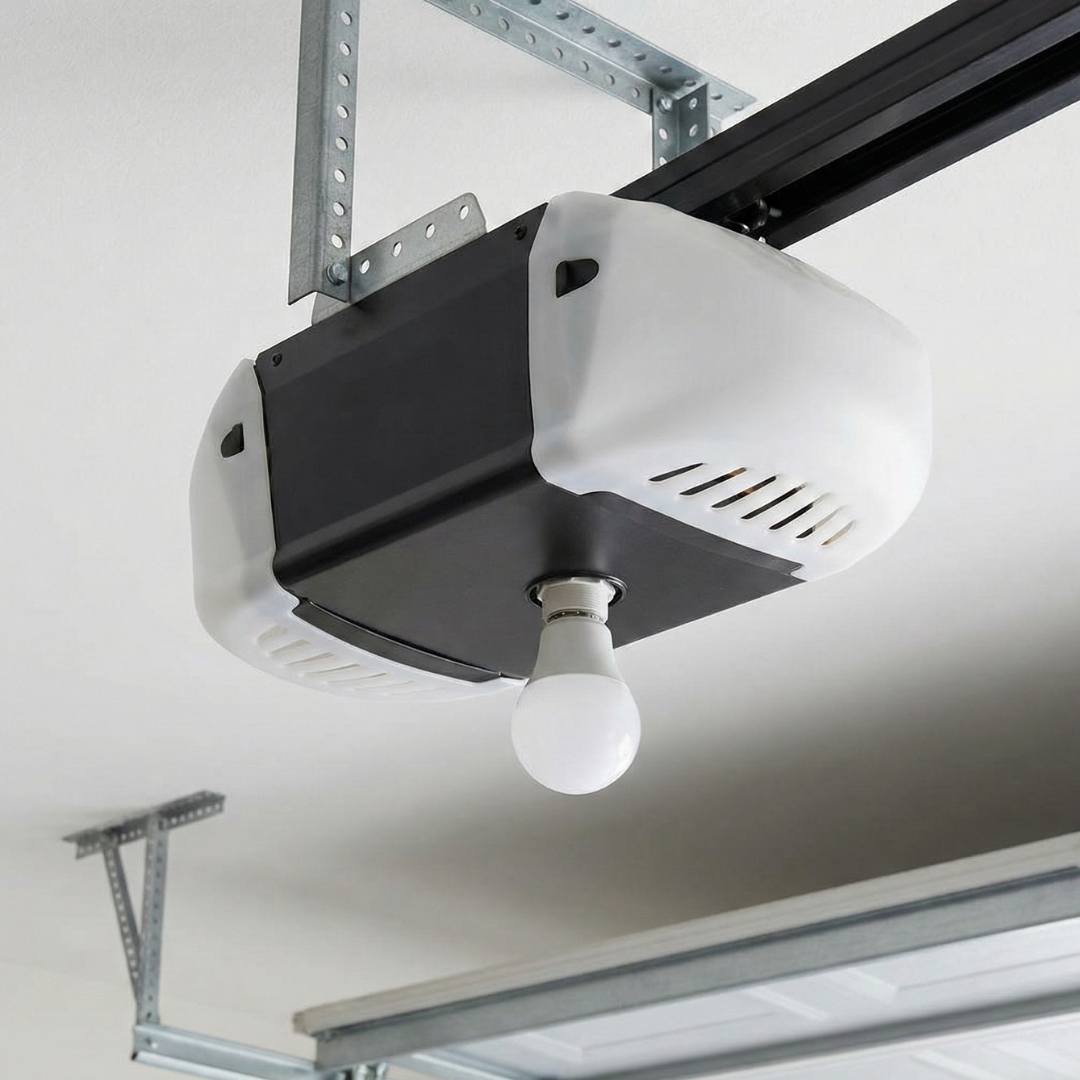
Sometimes the issue isn't the remote itself, but unseen signals blocking it. We frequently find that recently installed LED light bulbs in the opener unit interfere with remote frequencies. Other nearby electronics can also disrupt the signal. Try unscrewing the bulbs to see if that resolves the communication issue.
Reprogramming May Be Necessary
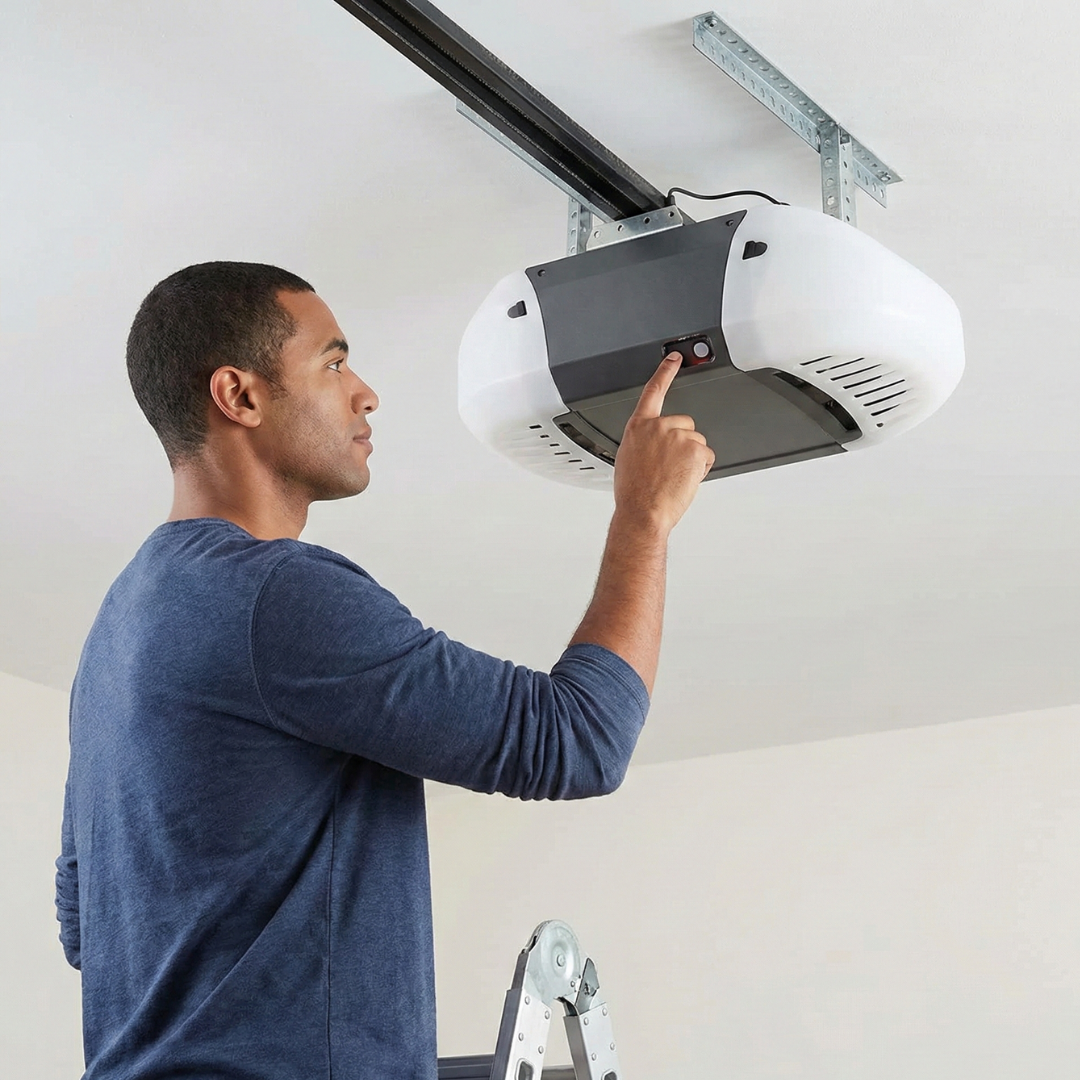
If batteries aren’t the issue, your remote might have simply forgotten its connection to the opener. Power surges can sometimes cause this desynchronization. We suggest locating the "learn" button on your main opener unit and following the manufacturer's instructions to connect the remote to the opener again.
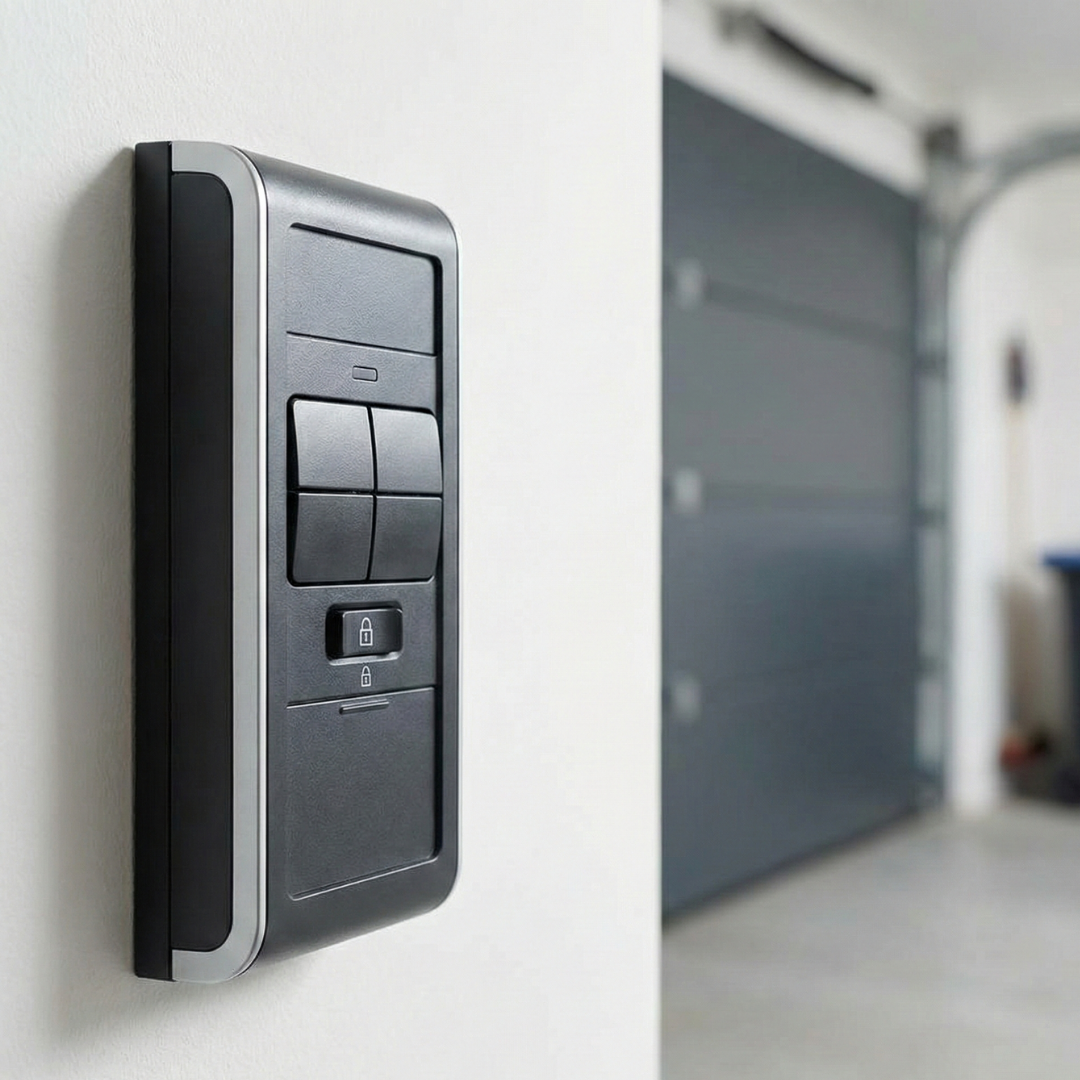
Check the Lock Button
Many modern wall consoles feature a "lock" or "vacation mode" button. When engaged, this disables all remote signals for security while you are away. We advise checking your indoor wall switch to ensure this feature hasn’t been accidentally activated, as it will prevent your remote from functioning entirely.
We hope these tips help you get your door back on track. If you've tried these steps and find your garage door remote not working still, there may be a deeper electrical issue or a receiver failure. Don't hesitate to contact Texas Garage Door Magic for professional assistance. Learn how our family-owned team can help solve your garage door problems today.
Frequently Asked Questions
Why does my wall button work but not my remote? If the wall button works, the opener itself is likely functional. The issue usually lies with the remote's battery, signal interference, or the remote needing to be reprogrammed to the opener unit.
How do I reset my garage door opener remote? Most openers have a "Learn" or "Smart" button on the motor unit. Press this button, then press and hold the button on your remote within 30 seconds until the opener lights flash, indicating it is synced.
Can LED lights affect garage door remotes? Yes, certain LED light bulbs emit radio frequencies that can interfere with the signal from your remote to the opener. Try switching to a standard incandescent bulb or a garage-door-specific LED bulb to see if the issue resolves.